



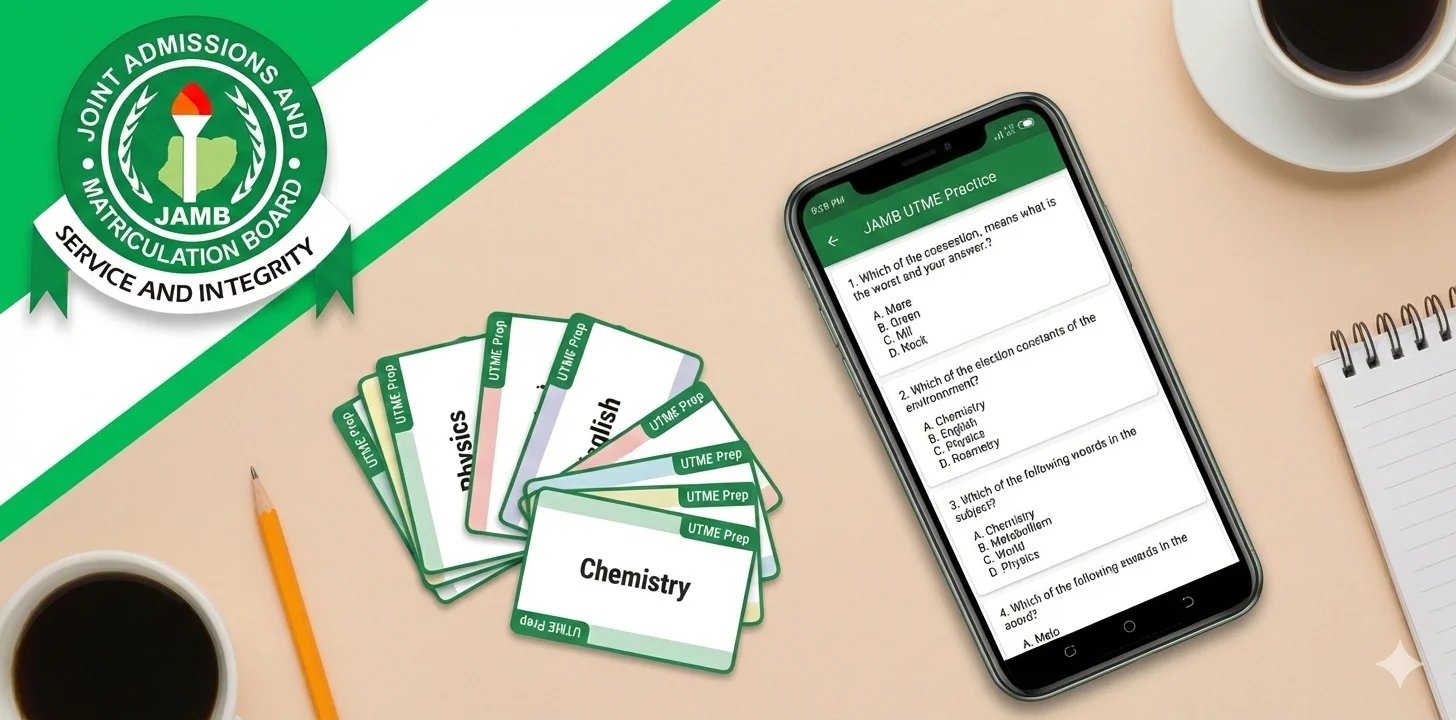
Since JAMB moved to computer-based testing, UTME preparation has steadily shifted online. Nigerian students now rely on a mix of textbooks, past questions, videos, and study apps to keep up with the exam format.
With registration closing on February 26 and the exams expected around mid-April, the pressure to study smarter is setting in. Flashcard apps and CBT practice apps are among the most talked-about tools, and many candidates are unsure which one actually deserves their time.
In this piece, we break down how both tools differ and when each one matters most. We also highlight some of the apps UTME candidates are actively using to prepare.
When to use flashcards or CBT practice apps for JAMB preparations
If you’ve ever prepared for UTME, you already know this feeling: read a topic today, feel confident, then go blank after seeing the questions a week later.
That’s where study apps usually enter the picture. Reading textbooks is not always enough.
Flashcard apps are what students often reach for when they’re trying to remember things properly. Think of moments like revising biology definitions, chemistry formulas, government dates, or English word meanings while waiting for a bus or lying on your bed at night. Instead of rereading notes, flashcards ask you questions and make you pull the answers from your head. Over time, the things you keep forgetting come back again and again until they stop slipping.
CBT practice apps feel different. They’re closer to what happens on exam day. You open the app, pick your subjects, start a timer, and answer questions the way JAMB expects you to. This is the kind of practice students use when they want to see how fast they are, how well they handle pressure, and whether they’re actually ready for the exam format.
Because of this, most UTME candidates don’t really choose one over the other. They use flashcards to build confidence with the content, and then switch to CBT practice apps to test themselves properly. Both tools show up at different moments in preparation, and together they make studying feel less overwhelming and more intentional.
In practice, many students mix both tools without overthinking it.
- Flashcards often come out during short study windows: early mornings, late nights, or in between classes, when the goal is to revise and keep topics fresh.
- CBT practice apps are usually saved for longer sessions, when students want to sit down, answer questions properly, and see how they perform under timed conditions.
This pattern shows up a lot as the exam gets closer. Some students use flashcards to brush up on weak areas during the week, then run a full CBT practice session over the weekend. Others move back and forth depending on the subject or how confident they feel. The point isn’t the order, but the balance.
Below, we look at the flashcard apps and CBT practice apps UTME candidates are already using, and what each one does well.
5 flashcard apps available on Android
These apps are great for memorising things you’ll see again and again on the exam.
1. AnkiDroid
AnkiDroid is a simple but powerful flashcard app that helps students memorise information properly. It focuses on question-and-answer cards and automatically brings back topics you’re likely to forget, which makes it useful for subjects like biology, formulas, and vocabulary-heavy topics.
The app is completely free and works offline once decks are downloaded. However, the interface can feel confusing at first, and it is not built specifically around JAMB content.
Pros:
- Strong active recall and spaced repetition
- Free to use with no ads or subscriptions
- Works offline
- Highly customisable flashcards
Cons:
- Can be confusing for first-time users
- No JAMB-specific starter decks
- Interface feels dated
2. ExamGuide JAMB
ExamGuide works as a flashcard app to study for JAMB alongside full CBT practice. It lets students revise key topics, formulas, and definitions using flashcards, then immediately test themselves with past UTME questions. This makes it useful for candidates who want one app that supports both revision and exam-style practice without switching tools.
The app covers multiple subjects, includes explanations, and works offline once materials are downloaded. It’s often used by students who prefer structured study plans and want their revision and practice to follow the same syllabus.
Pros:
- Large bank of UTME past questions with explanations
- Works offline after setup
- Covers many subjects in one app
Cons:
- Requires activation payment
- Updates and downloads can be heavy on storage
- Some features depend on app version
3. Quizlet
Quizlet is a popular flashcard app that many students use for quick revision. It lets you create your own cards or study sets shared by other learners, then revise them through simple activities like flashcards, short tests, and matching games. It works well for memorising definitions, vocabulary, and key concepts when you want variety instead of plain note reading.
Pros:
- Easy to pick up, even for first-time users
- Different study modes keep revision from feeling repetitive
- Large number of ready-made study sets
Cons:
- Most advanced features require a subscription
- Not built specifically around the JAMB syllabus
- Can feel cluttered as you add more study sets
4. FlashLearners
FlashLearners combines flashcards with study notes, videos, and practice questions, which makes it appealing to UTME candidates who prefer having everything in one place. Students often use it to revise key topics, pick up new vocabulary, and test their understanding without switching between multiple apps.
The app also includes progress tracking and interactive features that help keep study sessions consistent, though some users note that certain explanations, especially for maths-related questions, could be more detailed.
Pros:
- Flashcards, notes, and practice questions in one app
- Covers multiple subjects
- Works offline after activation
Cons:
- Full access requires payment
- Some solution explanations feel incomplete
5. TestDriller UTME
TestDriller is a JAMB-focused CBT practice app that also includes flashcard-style revision tools. It bundles past questions, explanations, classroom notes, video lessons, and progress tracking, making it useful for students who want both practice tests and quick topic revision in one place.
The app works offline once materials are downloaded, which is a major plus for candidates studying with limited internet access.
Pros:
- Built specifically for UTME CBT preparation
- Large collection of past questions with explanations
- Flashcard feature for quick revision
- Includes video lessons and classroom notes
- Supports offline study
Cons:
- Annual activation is required for new exam cycles
- Feature-heavy interface may feel overwhelming
- Some features depend on proper setup and updates
5 best JAMB CBT practice apps to download on Android right now
1. Awajis CBT app
Awajis CBT App is built as a broad UTME preparation tool that combines past questions, revision materials, and guided learning in one place. It covers all major UTME subjects and focuses on helping students practise repeatedly while staying aligned with the CBT format they will meet on exam day.
The app places strong emphasis on clarity and structure. Questions are organised by subject and topic, explanations are written in simple language, and timed tests help candidates get used to answering under pressure. Beyond practice tests, Awajis also includes lesson-style content and an AI tutor feature, which makes it useful for students who want both revision and testing within the same app.
Pros:
- Large bank of past and model questions across subjects.
- Clear explanations that are easy to understand.
- Works offline after activation.
- Performance tracking helps highlight weak areas
- Interface is smooth and beginner-friendly
Cons:
- Some topics may feel lightly covered compared to textbooks
- Certain advanced features require activation or tokens
- Updates can lag behind syllabus changes at times
- Storage space needed for offline materials
- AI tutor usage is limited unless unlocked
2. MyCBT app
MyCBT by Myschool is one of the most feature-dense CBT practice apps available to UTME candidates. It combines a large archive of past questions with a CBT simulator that closely reflects the real exam environment. Candidates can practise across multiple years, filter questions by subject or topic, and review detailed explanations after each session.
Beyond question practice, the app includes lesson videos, topic summaries, performance tracking, and updates around JAMB and other exams. Offline access makes it usable without constant data, which is a major reason many candidates rely on it throughout their preparation.
Pros:
- Very large past question archive across many years
- Realistic CBT simulator with timed practice
- Topic filtering and search for targeted revision
- Offline access after setup
- Additional learning support through videos and summaries
Cons:
- Covers multiple exams, which can feel unfocused for UTME-only study
- Ads can interrupt the experience
- Activation issues sometimes occur after updates or device changes
- Images and diagrams may fail to load properly at times
- Occasional bugs affecting login, answers, or saved progress
3. 3Thirty CBT
3Thirty CBT has quietly become one of the more dependable options for UTME candidates who want full practice without worrying about data, subscriptions, or locked features. The app focuses heavily on offline CBT practice, giving students access to past JAMB questions, explanations, and timed tests that feel close to the real exam experience.
What stands out is how accessible it is. Candidates can practise without activation codes, payments, or constant internet access, which makes it easier to study consistently. The app also supports flexible timing, allowing students to challenge themselves at different speeds, something many find helpful when dealing with exam pressure or anxiety.
Pros:
- Completely free with no activation required
- Works fully offline
- JAMB-like CBT practice with timed tests
- Simple and easy to use
Cons:
- Literature texts may not be updated
- Limited progress analysis features
- Occasional content gaps
4. Examscholars CBT
ExamScholars is built around helping UTME candidates practise in conditions that feel close to the real exam. The app uses a JAMB-style CBT layout with timed tests, subject selection, and question navigation that many students find easy to adjust to.
The app also includes subject notes and works offline once activated, which makes it useful for regular revision without constant internet access.
Pros:
- Easy to navigate
- Has one of the cheapest activation fees
- Timed practice improves speed and exam confidence
- Works offline after activation
- Performance tracking helps monitor progress
Cons:
- Activation code delivery can be slow for some users.
- Reminder feature is unreliable.
- Calculator does not fully match the standard JAMB calculator
- Some users initially find content limited before updates
5. LFX JAMB App
The LFX JAMB App is used mainly by candidates who want steady CBT practice without overcomplicating their study routine. It focuses on past questions, subject practice, and explanations that make it easier to understand where mistakes come from. Many students find it easy to settle into, especially those preparing across multiple subjects.
The app supports offline study and is often relied on for consistent revision, whether during short study breaks or longer practice sessions. Its structure makes it accessible to both first-time UTME candidates and those retaking the exam.
Pros:
- Built specifically for JAMB CBT preparation
- Easy-to-understand layout that supports regular practice
- Works offline after setup
- Covers multiple subjects with explanations
- Useful for both individual study and guided revision
Cons:
- Some features, like reminders, may not always work as expected
- Content depth may vary across subjects
- Calculator does not fully match the standard JAMB calculator
What’s changed for JAMB candidates in 2026 and why it matters
If you wrote UTME in 2025 or followed how it went, 2026 feels a bit tighter. Registration opened on January 26 and closes on February 28, and once your details are submitted, there’s very little room to correct mistakes. CBT centres are also being monitored more closely this year, which means the process is less flexible and more exact from start to finish.
The exam timeline is clearer too. With UTME scheduled to hold between April 16 and April 25, students now have a shorter, more defined window to prepare. That’s why many candidates are leaning more on CBT practice apps earlier than before, not just to revise, but to get used to timing, question patterns, and the pressure of answering on a screen.
Nothing about UTME 2026 changes the syllabus, but the structure around it has become stricter. And in a system like that, practising with the right tools matters. The apps covered in this piece reflect how candidates are adjusting, using study time more intentionally as the exam gets closer.
Get passive updates on African tech & startups
View and choose the stories to interact with on our WhatsApp Channel
ExploreLast updated: February 21, 2026


